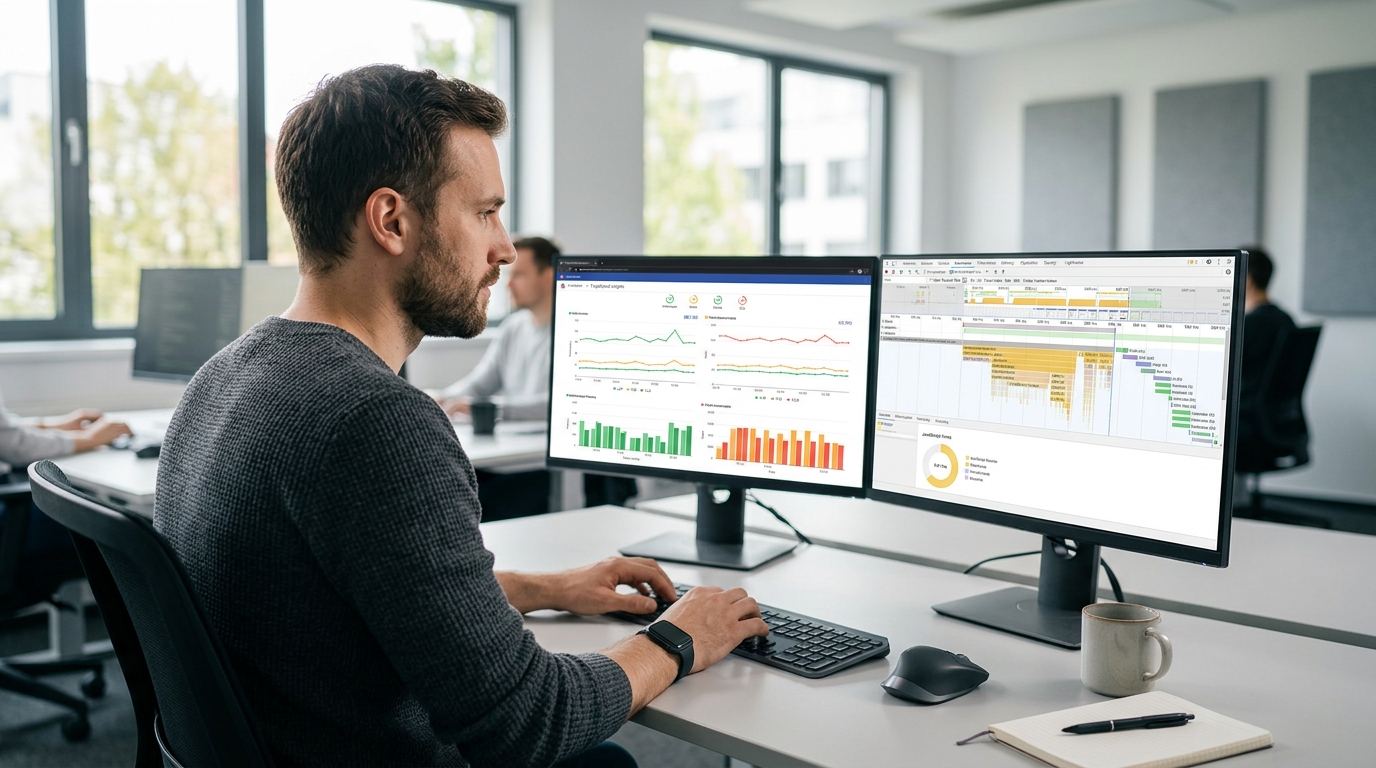
What Is INP and Why Does It Impact WordPress Sites?
Interaction to Next Paint (INP) is a Core Web Vitals metric that measures a webpage's overall responsiveness to user actions. Unlike the retired First Input Delay (FID) metric—which only logged the first visual delay—INP observes every tap, click, and keypress made throughout a user's session.
A poor INP score usually indicates that the browser's main thread is blocked by heavy JavaScript execution, preventing visual updates from rendering quickly. For WordPress website owners in competitive markets across the UK, USA, and India, high INP leads to frustrated visitors, dropped conversion rates, and reduced Google search visibility.
How to Diagnose High INP in WordPress
Before applying fixes, you must identify which scripts and page elements are causing interaction latency. You can measure INP using both field data and lab measurement tools:
- Google PageSpeed Insights: Checks real-world user data via the Chrome UX Report (CrUX) and highlights long tasks over 50ms.
- Chrome DevTools Performance Panel: Allows developers to record interaction events, inspect the main-thread activity, and locate long-running JavaScript execution blocks.
- Google Search Console: Navigating to the Core Web Vitals report highlights specific URL clusters flagged for failing INP limits.
4 Proven Techniques to Fix High INP Scores
Optimizing INP requires reducing main-thread work so the browser can immediately render visual feedback when a user interacts with a page. Here are four effective optimizations:
- Defer or Delay Non-Essential Move tracking scripts, analytics, and third-party widgets out of the critical rendering path using defer or async attributes.
- Minimize and Optimize Plugins: Bloated page builders, pop-up builders, and slider plugins often clutter the DOM and run unoptimized scripts. Remove redundant plugins and replace heavy alternatives with lightweight options.
- Reduce DOM Size & Depth: Simplify deeply nested HTML structures generated by legacy themes or page builders. A smaller DOM tree speeds up style recalculation and page layout re-renders.
- Yield Main-Thread Execution: Break long tasks (>50ms) into smaller sub-tasks using
requestAnimationFrameorsetTimeoutto allow immediate screen updates.
Eliminating Script Blockers with Managed Maintenance
Fixing script execution bottlenecks without breaking existing layout functionality often requires code-level expertise. If third-party plugins or custom scripts continue to block your main thread, working with technical specialists can save significant troubleshooting time.
Our team provides custom optimization services through our dedicated WordPress maintenance packages, ensuring your site remains secure, fast, and fully compliant with Google's Core Web Vitals standards.
Ongoing INP Monitoring Strategy for SMBs
Core Web Vitals compliance is not a one-time effort; new plugin updates, custom code releases, and marketing scripts can reintroduce latency at any time. Establishing a ongoing monitoring system ensures sustained performance:
- Set up monthly automated performance audits to catch script regressions early.
- Test newly installed plugins in a staging environment before pushing updates live.
- Review Real User Monitoring (RUM) data to ensure performance targets are met across mobile and desktop devices globally.
Need expert assistance tuning your site's technical SEO and speed metrics? Feel free to contact our experts at Glory Software Technologies today.